What USB-C Actually Does (and Doesn't)
One connector, wildly different cables. Why the same port charges one laptop and not another — and how to buy cables that do what you expect.
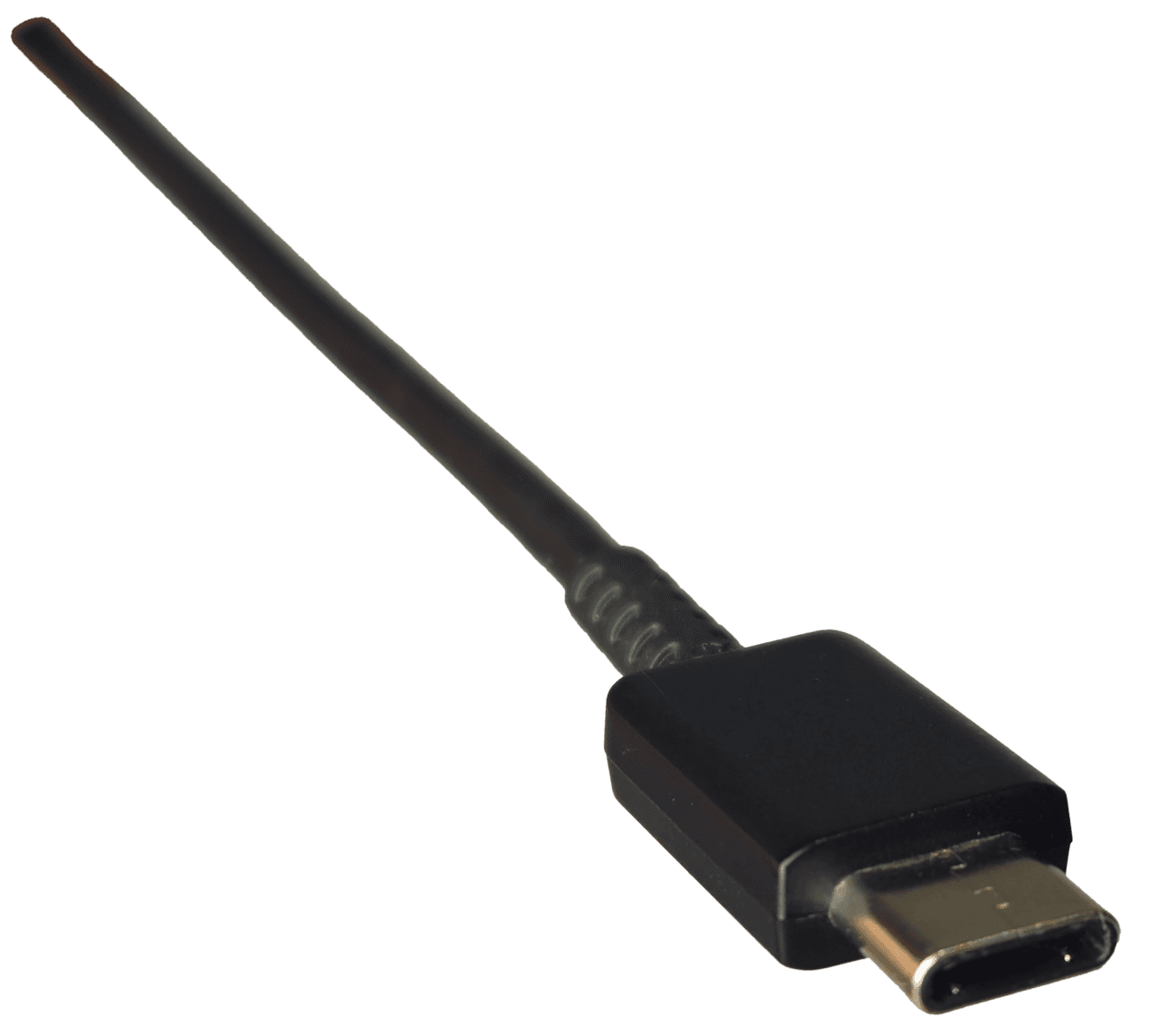
USB-C unified the connector and nothing else. Behind the identical oval plug live different data speeds, charging wattages, and display capabilities — which is why one cable fast-charges a laptop and another, visually identical, trickle-charges it while refusing to drive a monitor. Understanding the few things the connector doesn't tell you turns cable shopping from gambling into a checklist.
The connector is not the capability
A USB-C cable can carry anything from ancient USB 2.0 data with minimal power to full-speed data, 240 watts, and video — depending entirely on the wires and chip inside. The port looks the same in every case. The capability lives in the cable's spec, which is why the cheap spare that came with a gadget often disappoints in a new job.
Charging: wattage must match on three sides
Fast charging requires the charger, the cable, and the device to all support the power level. A 100W-capable laptop with a 60W cable charges at 60W — silently. When a setup charges slowly, the cable is the most common culprit and the least suspected one.
Buying sanely
Buy cables with stated wattage and data ratings from brands that print them (ideally with the official certification logos), label your capable cables, and keep the mystery spares for low-stakes charging. For a laptop-to-monitor connection, confirm the cable explicitly lists video/display support — many charge-only cables don't carry it.
- The plug shape guarantees nothing — capability is per-cable
- Fast charging needs charger, cable, and device to agree on wattage
- For monitors, the cable must explicitly support display output
- Buy labeled/certified cables and mark the good ones
Tomás Rivera
Staff Writer, Smart Home & Mobile
Tomás covers smartphones, smart home devices, and accessories, with a focus on ecosystem lock-in, battery life claims, and privacy trade-offs.
Reviewed against our editorial standards