How to Make Your Phone Battery Last Longer
Battery anxiety is mostly fixable in settings. What actually drains a phone, what actually helps, and the myths wasting your effort.
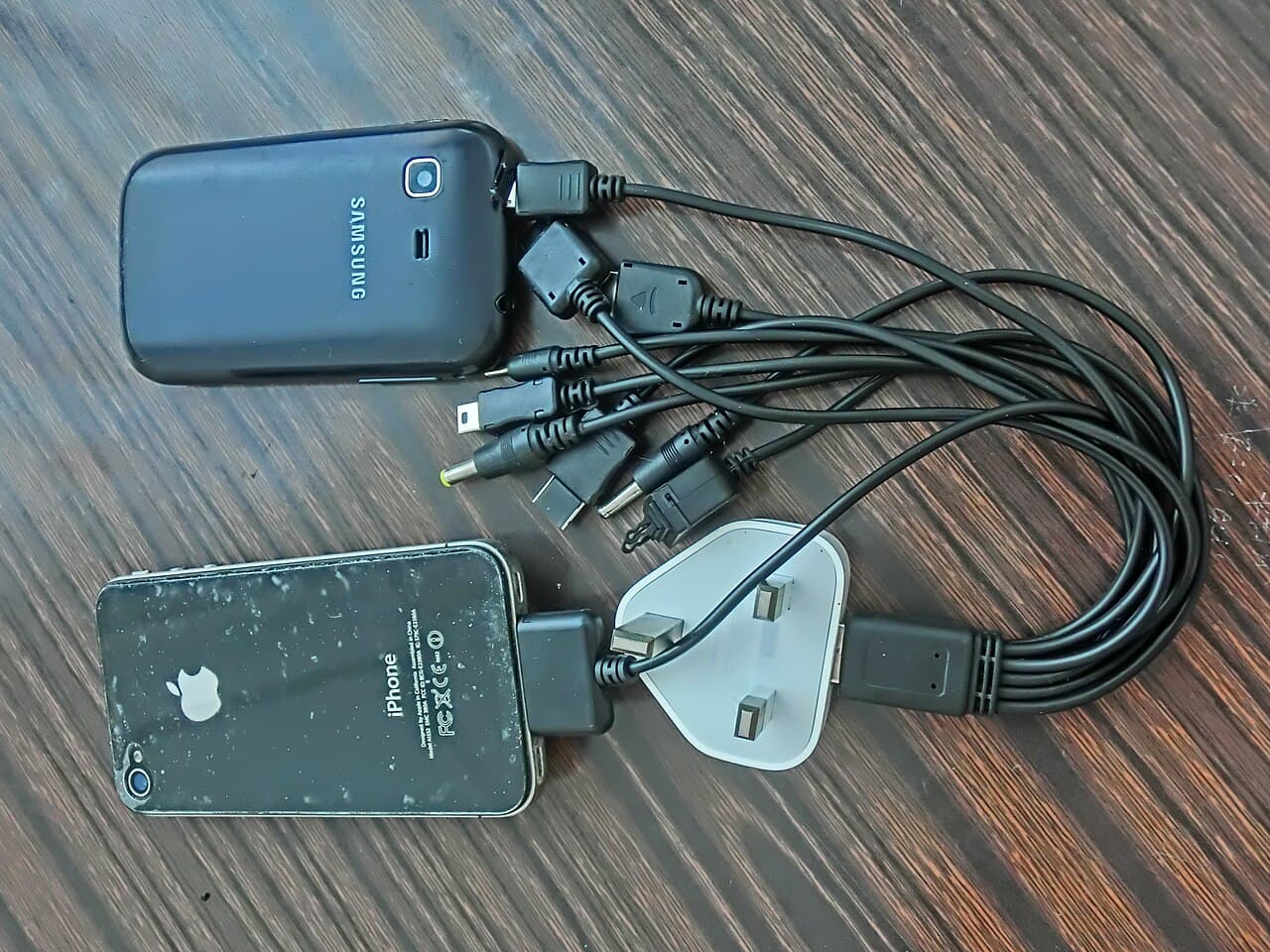
Phone batteries have two separate problems that get mixed together: making today's charge last until bedtime, and keeping the battery healthy enough that next year's charge still can. Both are mostly settings and habits — and neither is helped by the folk remedies that refuse to die, like force-closing all your apps.
The screen is the biggest consumer — manage it first
Display brightness and screen-on time dominate daily drain. Auto-brightness, a shorter auto-lock timeout, and dark mode on OLED screens are the highest-impact changes you can make in two minutes. Everything else is secondary to the glowing rectangle itself.
Find your real drainers in the battery report
Both platforms show per-app battery usage — check it before changing anything else. The usual suspects are apps with heavy background refresh and location access: social apps, email set to constant fetch, and navigation apps left with always-on location. Restrict background activity per app rather than killing apps manually, which the system handles better than you can — force-closing everything routinely makes drain worse.
Long-term health is about heat and the top of the charge
Batteries age fastest when hot and when held at 100%. Enable your phone's optimized/limited charging feature (which pauses or caps overnight charging), avoid leaving the phone in hot cars or charging under a pillow, and don't stress about keeping it perfectly between magic percentages — the built-in optimizer does the meaningful part.
- Auto-brightness, short screen timeout, dark mode on OLED — do these first
- Use the battery report; restrict background refresh and 'always' location per app
- Stop force-closing apps — it costs more than it saves
- Enable optimized charging and keep the phone out of heat
Tomás Rivera
Staff Writer, Smart Home & Mobile
Tomás covers smartphones, smart home devices, and accessories, with a focus on ecosystem lock-in, battery life claims, and privacy trade-offs.
Reviewed against our editorial standards