Laptop vs. Tablet for Students: Which Should You Carry?
The tablet-with-keyboard pitch is tempting and light. Where it genuinely replaces a laptop for coursework, and where it quietly can't.
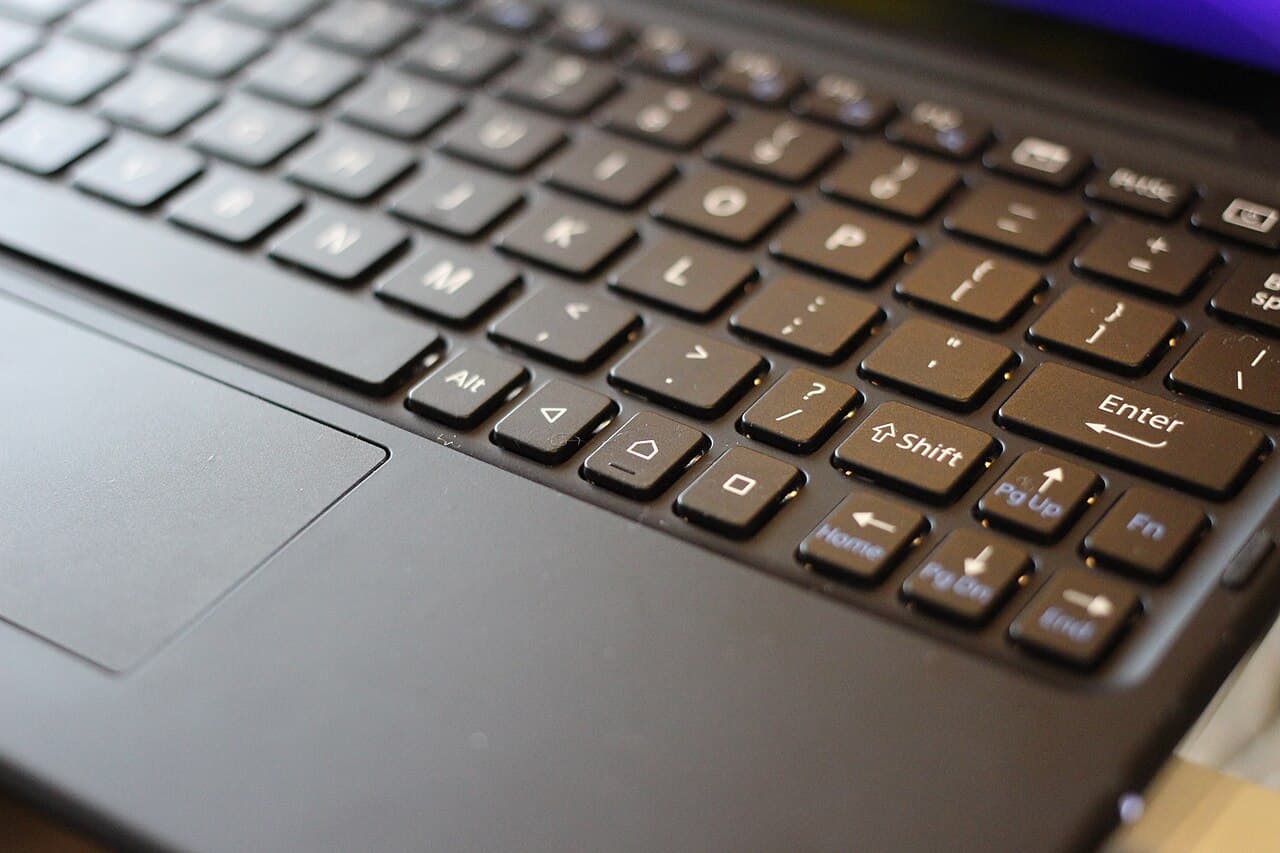
A modern tablet with a keyboard case weighs half a laptop, lasts longer on battery, and handles notes, reading, and streaming beautifully — which is why the question keeps coming up. The honest answer hinges on your program's software and how much long-form writing you do. This is a coursework decision, not a hardware one.
How we evaluated this comparison
We compared the two on coursework software compatibility, long-session typing, note-taking (including handwritten), portability and battery, and total cost with accessories — weighted toward what a degree actually demands rather than spec-sheet performance.
Where the tablet wins
Reading and annotating PDFs with a stylus, handwritten notes that become searchable, all-day battery, and a weight you forget. For lecture-heavy, reading-heavy programs, a tablet is a genuinely better note-taking instrument than any laptop.
Where the laptop wins
The moment coursework requires real desktop software — statistics packages, IDEs, CAD, lab-specific tools — tablets hit a wall that no keyboard case fixes. Multi-window research writing (sources, notes, and a draft open together) also remains dramatically better with a laptop's windowing and file system. Most degrees hit at least one of these walls.
Side-by-side comparison
| Criterion | Tablet + Keyboard | Laptop |
|---|---|---|
| Handwritten & annotated notes | Excellent with stylus | Poor to none |
| Desktop coursework software | Frequent hard wall | Full compatibility |
| Long-form writing ergonomics | Serviceable, cramped | Built for it |
| Weight & battery | Lighter, longer | Heavier, shorter |
| True cost | Tablet + stylus + keyboard adds up | One price, nothing extra |
How we evaluated this: Rows reflect typical current-generation devices against common coursework demands, not one specific model pairing.
Final verdict
Check your program's software list first: if anything requires a desktop OS, the laptop is non-negotiable and the tablet is a luxury second device. Reading-and-notes-heavy programs with no such requirement are the genuine tablet case.
Buy if
- Choose the laptop if any required coursework software runs only on desktop systems
- Choose the tablet if your program is reading/notes-centric and you handwrite
Skip if
- Don't buy a tablet plus all its accessories hoping it becomes a laptop — priced together, they usually cost more and do less
Alternatives to consider
- A budget laptop for coursework plus a basic tablet for reading — often cheaper than one premium tablet kitted out
Rohan Mehta
Senior Reviewer, Laptops & Networking
Rohan covers laptops, PCs, and home networking, focusing on the specs that change real-world performance rather than the ones that pad a spec sheet.
Reviewed against our editorial standards